

USB: Mouse
This code implements a USB mouse with 3 buttons and scroll wheel.Download Source Files
- USB Mouse, Version 1.1. -- WARNING: obsolete, use Teensyduino for new projects
- USB Mouse with Debug Channel, Version 1.1. -- WARNING: obsolete, use Teensyduino for new projects
Example Application
The example program moves the mouse in a circle, once every 10 seconds.
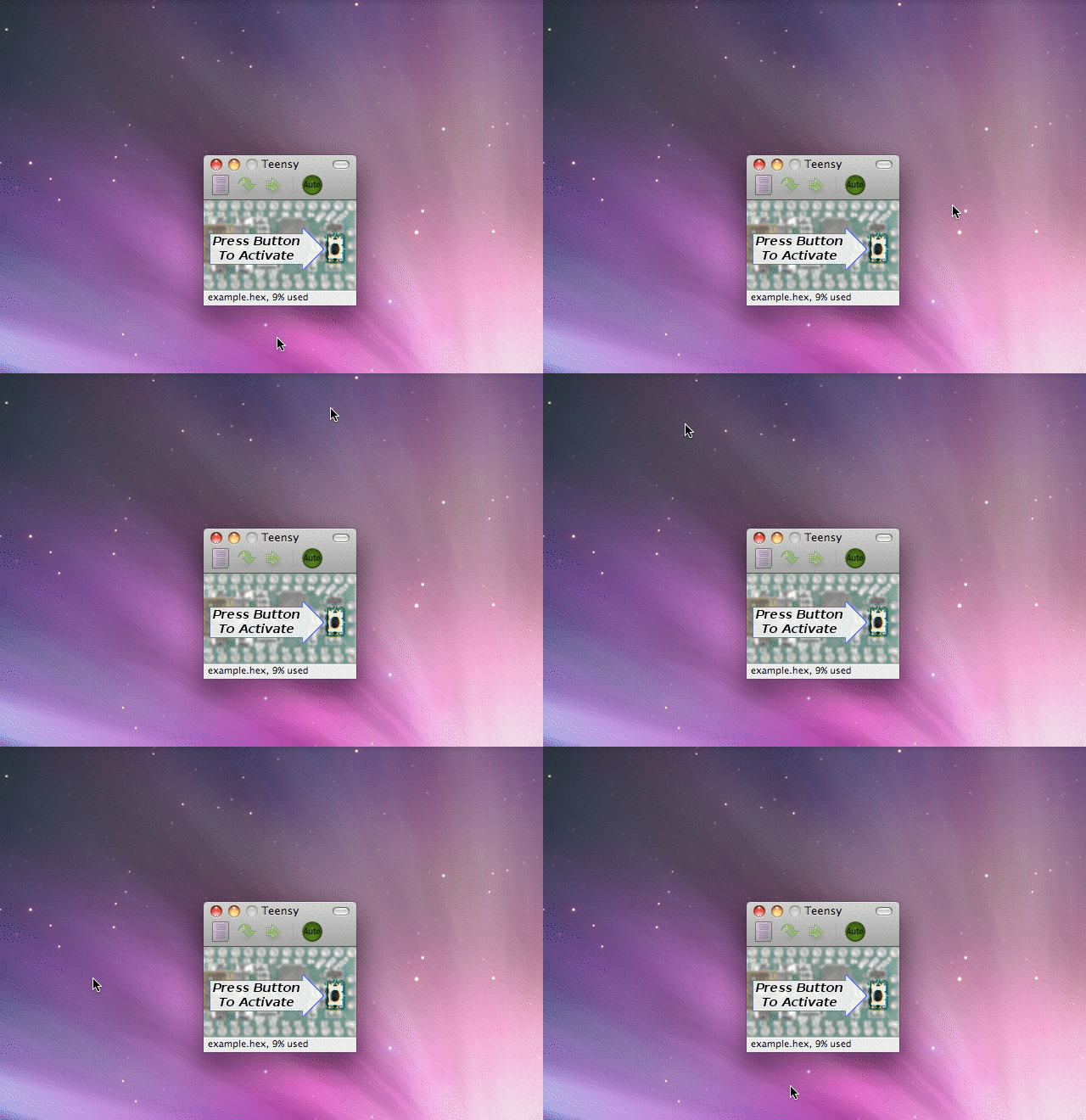 This animated image shows the example mouse movement |
Mouse Functions
#include <usb_mouse.h>
usb_mouse_buttons(left, middle, right)
Set the state of the mouse buttons. Any non-zero value sets the buttons to pressed, 0 sets the button to released. To generate a "click", two calls are necessary to press and release the button. To "drag", the button is set to pressed while the move function is called.usb_mouse_move(x, y, wheel)
Move the mouse or scroll wheel. Values may be -127 to +127, and of course 0 means no movement. For smooth motion, only small movements should be made.USB Connection Management Functions
usb_init()
Initialize the USB controller. This must be called before any others, typically as your program initializes everything. This function always returns immediately and never waits for any USB communication.usb_configured()
Is the USB controller configured?Returns 0 (false) if the host has not enumerated (auto-detected) and configured the USB controller. Returns non-zero (true) if configuration is complete.
Many PC and Macintosh drivers are not immediately ready to transfer data, even after configuration is complete. An additional delay of 1 second is generally a good idea to allow drivers to load on the PC before initiating data transfers.