

Step #4: The HID Listen Program
Update: This page only applies to Teensy 2.0. Teensy 3.0 is supported by Teensyduino. To use Teensy 3.0 without Arduino, first install Teensyduino. A sample makefi le is installed in hardware/teensy/cores/teensy3. The makefile comments explain how to detete the unn ecessary portions of Arduino, if you wish to use only the makefile.In the previous step you compiled and loaded blinky.hex onto your Teensy board. While it's blinking Morse Code, blinky also sends characters by calling usb_debug_putchar(), which you can display with the HID Listen program. Other examples use these same functions, so HID Listen is a valuable tool for "seeing" what your code is doing.
If you didn't compile blinky, you can also find a copy of blinky.hex in the source code package here.
Download HID Listen
- Macintosh OS X executable
- Linux executable (32 bit only)
- Windows executable
- Source Code + all 3 executables + blinky.hex
Running HID Listen
HID Listen is a command line program, so you need to run it from the command line. A GUI-based version is planned, but for now the only option is this simple command line version.Macintosh OS X 10.5
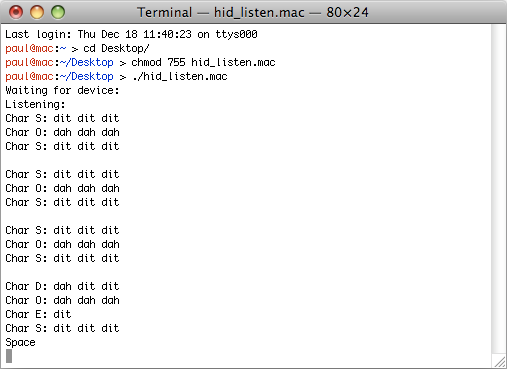
Just run the hid_listen.mac program in Terminal. You may need to give the file execute permission with the "chmod" command before you can run it.
 |
Linux
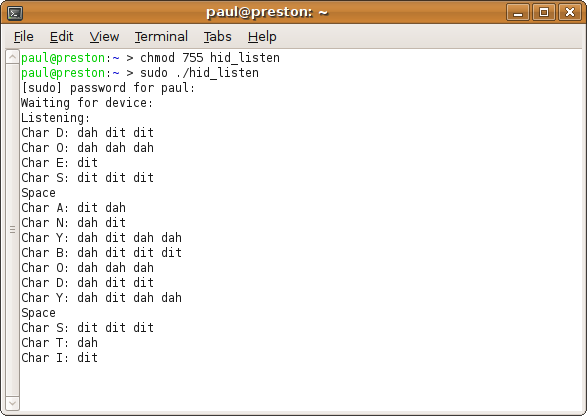
On Ubuntu Linux, the /dev/hidraw device files are not readable by default for normal users. You could create a custom udev rule, or simply run hid_listen with sudo.Update, Jan 1, 2011: The 32 bit linux binary does not work on 64 bit linux systems (2.6.32 tested), likely because of missing hidraw 32 bit ioctl support (HIDIOCGDEVINFO, HIDIOCGVERSION, HIDIOCAPPLICATION). Future kernels may fix this. Until then, hid_listen must be recompiled from the source to work on 64 bit linux.
 |
Windows XP & Vista
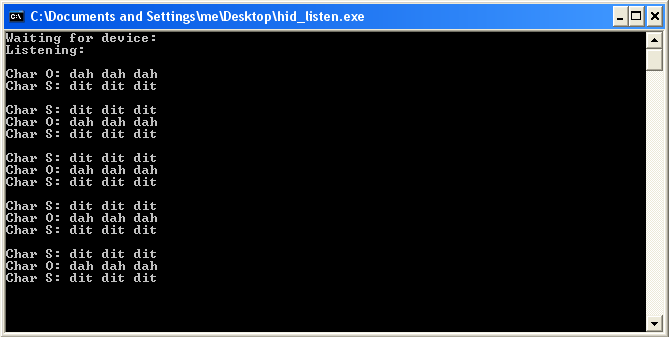
On Windows, simply double click the hid_listen.exe program. Windows will automatically launch the command prompt and run hid_listen in it.
 |
André Aguila created WinHIDListen, which may be easier to use on Windows.